
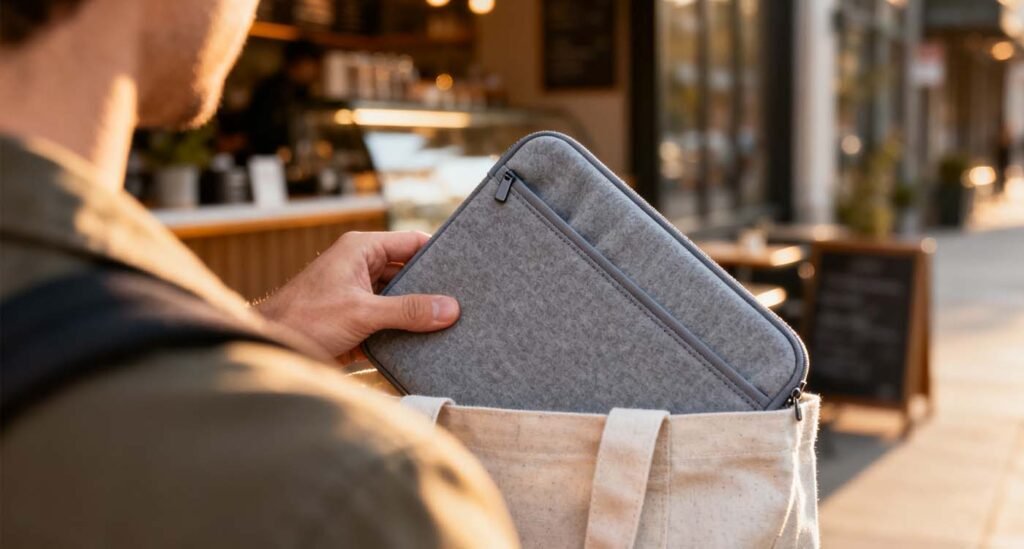
A neoprene laptop sleeve is a simple, lightweight way to protect your laptop from scratches, light bumps, and spills. Whether you slide it inside a tote or carry it solo, neoprene sleeves balance slim portability with soft cushioning—ideal for commuters, students, and minimalists.
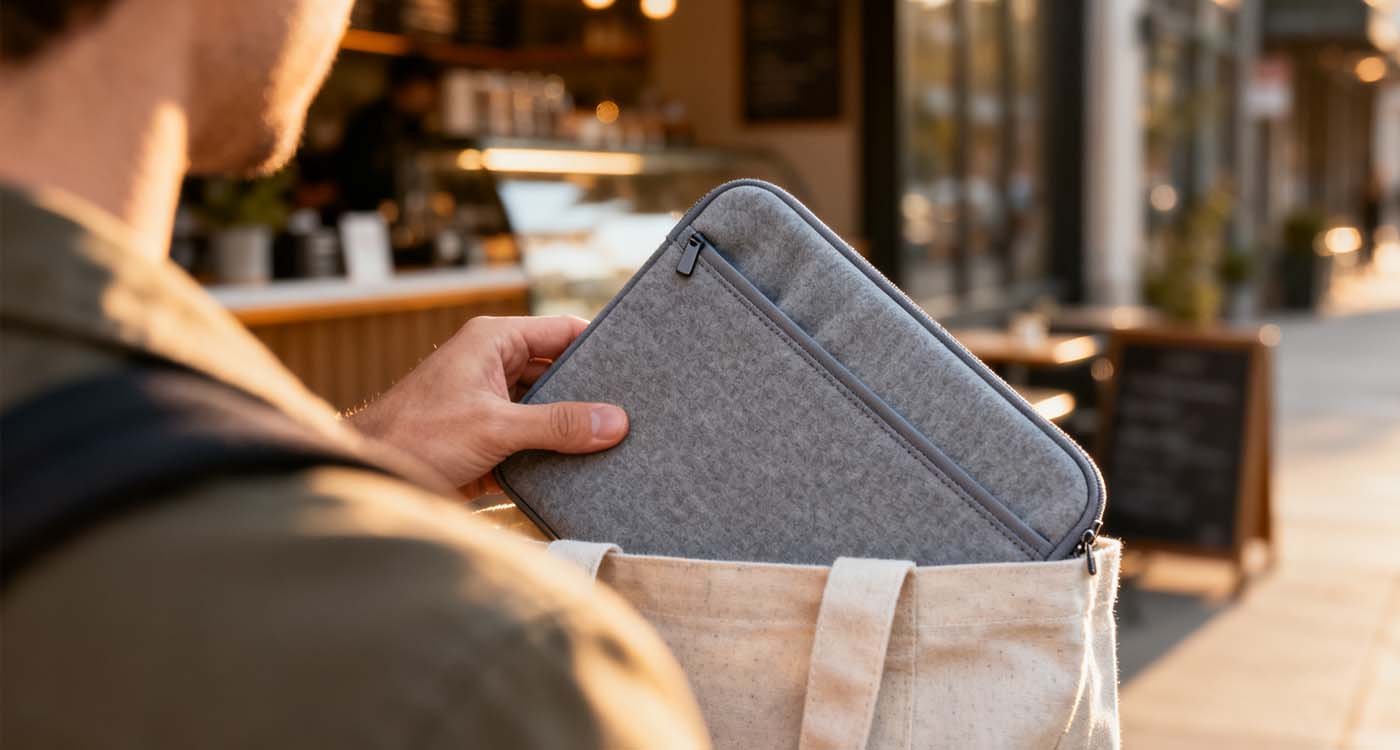
What is a neoprene laptop sleeve?
A neoprene laptop sleeve is a thin protective cover made from neoprene — a flexible, synthetic rubber-like material used in wetsuits and gear. Neoprene’s natural stretchiness and insulating properties make it a popular choice for sleeves because it offers shock absorption, water resistance, and a snug fit.
Why choose a neoprene laptop sleeve?
- Slim & portable: Neoprene sleeves add minimal bulk compared with bulky briefcases.
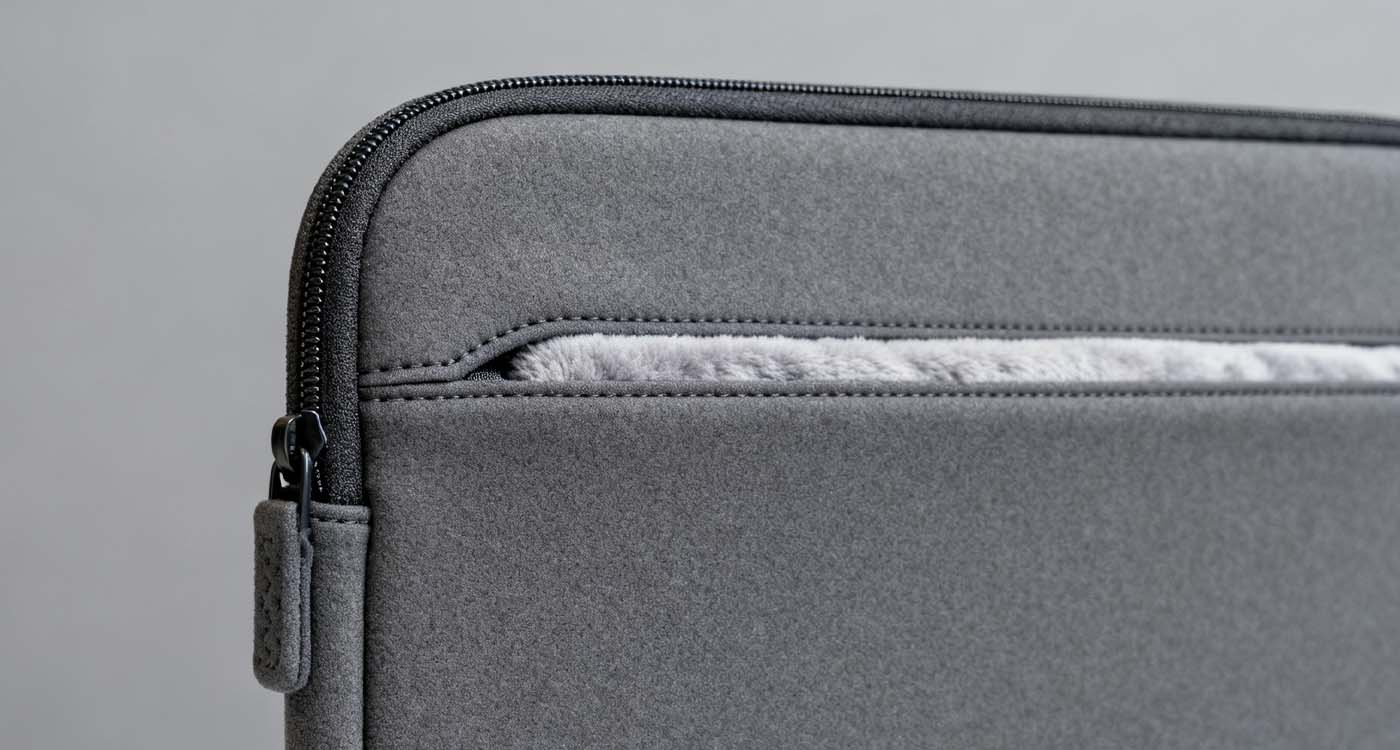
- Soft lining: Many neoprene sleeves include microfiber or fleece interiors to prevent scratches.
- Water-shedding: Neoprene naturally repels light moisture (good for coffee splashes or drizzle).
- Affordable: Typically less expensive than leather or heavily padded folios.
- Versatile: Works as standalone protection or inside a larger backpack/tote.
Key features to look for in a neoprene laptop sleeve
When shopping for a neoprene laptop sleeve, prioritize these attributes:
- Correct fit & stretch: Choose a sleeve sized for your laptop model (11″, 13″, 14″, 15″, 16″)—neoprene’s stretch helps, but a snug fit reduces internal movement.
- Interior lining: Look for soft microfiber or fleece to prevent scratches.
- Padding thickness: Multi-layer neoprene or foam-core inserts add drop protection.
- Closure type: Smooth zippers, magnetic flaps, or tuck-in closures—water-resistant zips are a plus.
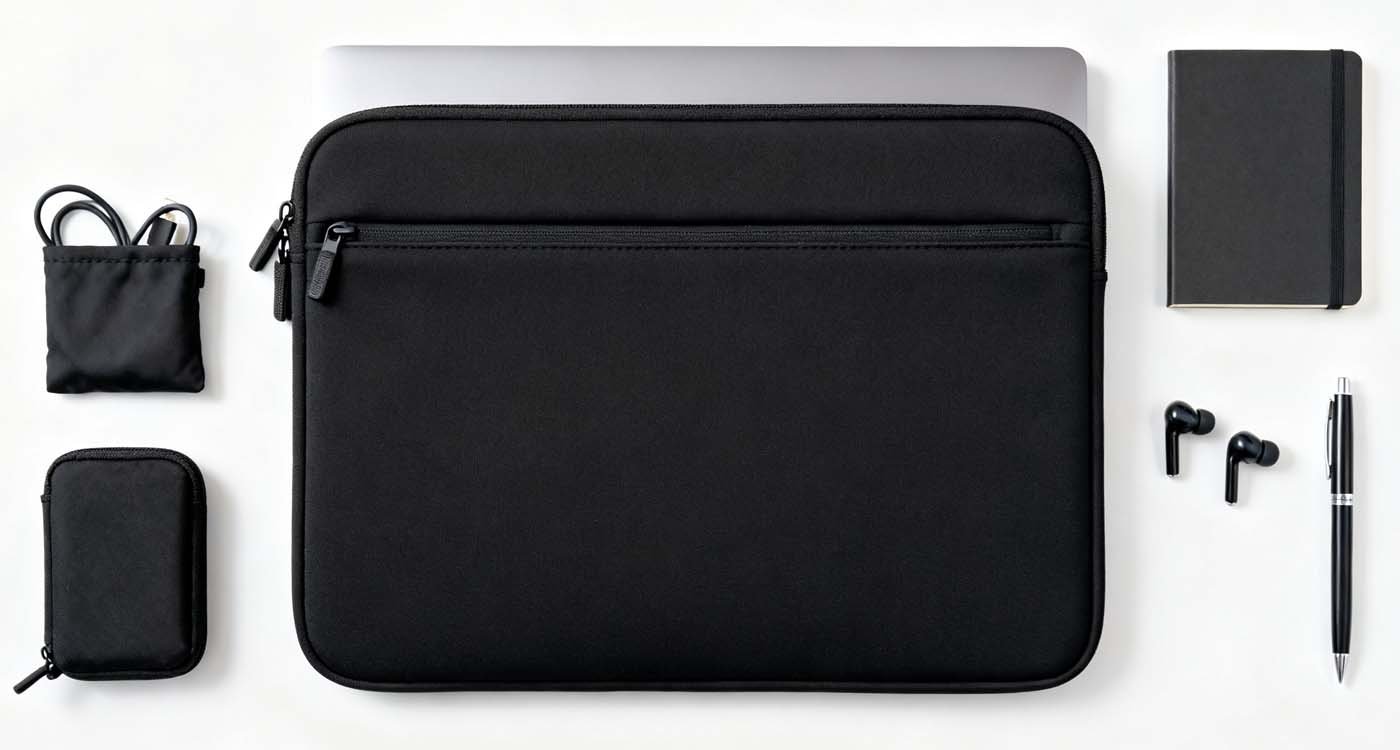
- Extras: Slim pockets for a charger, cable pouch included, and a carry handle or wrist strap for quick grab-and-go.
- Durability & stitching: Reinforced seams and quality zipper pulls extend lifespan.
9 neoprene laptop sleeve styles to consider
Here are nine practical styles of neoprene laptop sleeves—pick one based on how you carry your tech:
- Classic slim neoprene sleeve — Everyday minimalists
Thin, lightweight, and easy to tuck into a larger bag. - Padded neoprene sleeve with organizer pocket — Students & commuters
Extra pocket for charger and cables. - Zip-around neoprene folio — Professionals
Slim profile with zipper closure and document storage. - Water-resistant neoprene sleeve — Coffee-prone commuters
Coated zips and denser neoprene for splash protection. - Eco neoprene sleeve (recycled neoprene) — Sustainability-minded buyers
Uses recycled materials while retaining protection qualities. - Convertible neoprene sleeve with wrist strap — Quick errands
Adds a small strap for carrying like a clutch. - Hard-backed neoprene sleeve — Extra corner protection
Neoprene body with a semi-rigid back panel for improved impact resistance. - Personalized neoprene sleeve — Gifts
Add embroidery or a printed design for a custom touch. - Laptop + tablet double neoprene sleeve — Multi-device users
Two compartments in one sleeve for compact device setups.
How to size & test a neoprene laptop sleeve
- Measure your device: Note width, height, and depth including any thin skins or dongles.
- Check manufacturer internal dimensions: Allow ~2–5 mm clearance for snug neoprene sleeves; more clearance if you use a laptop skin.
- Try the fit in-store or simulate at home: Slide your laptop into the sleeve—it should go in without excessive force but not flop around.
- Water test: For peace of mind, place a towel inside and sprinkle water on the sleeve edge—neoprene repels water but closures and seams are the weak points.
Care and longevity tips
- Cleaning: Hand-wash neoprene with mild soap and lukewarm water, rinse, and air-dry flat. Avoid machine drying.
- Stain removal: Spot-clean promptly; avoid harsh solvents that degrade neoprene.
- Storage: Store flat or lightly folded—avoid prolonged crushing to keep shape.
- Zipper care: Lubricate zippers occasionally with a dry wax or silicone wipe to prevent sticking.
Where to buy & recommended resources
Neoprene laptop sleeves are widely available from major retailers, tech accessory brands, and marketplace sellers. For product testing and buyer guidance, consult review sites like Consumer Reports or reputable retailers that list full internal dimensions and materials. For curated options, browse our slim sleeve collection: Shop neoprene laptop sleeves.
Quick FAQ
Q: Will a neoprene sleeve protect against drops?
A: Neoprene protects from scratches and minor bumps, but for heavy drops you’ll want a sleeve with thicker padding or a folio with reinforced panels.
Q: Is neoprene waterproof?
A: Neoprene is water-resistant and repels light moisture, but seams and zippers can let water through—look for water-resistant zippers for better protection.
Q: Can I personalize a neoprene sleeve?
A: Yes—neoprene accepts printing and some embroidery; check with the vendor for customization options.
Final checklist before you buy
- Does the sleeve match your laptop’s internal dimensions?
- Is the interior lining soft and scratch-free?
- Are closures durable and preferably water-resistant?
- Do you need extra pockets or a separate cable pouch?
- Does the sleeve’s style match how you typically carry your laptop?